
01
Download the app
Visit any of the app stores to download the moneyswap app

Guided Workflow
Swap and spend currencies like locals. No physical cash movement, No international Remittance Fees.
Choose a path
Visit any of the app stores to download the moneyswap app
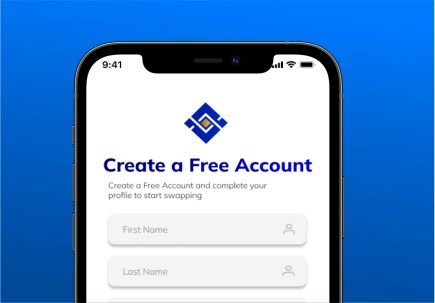
Provide your details and complete our easy KYC to secure your multi currency digital wallet.
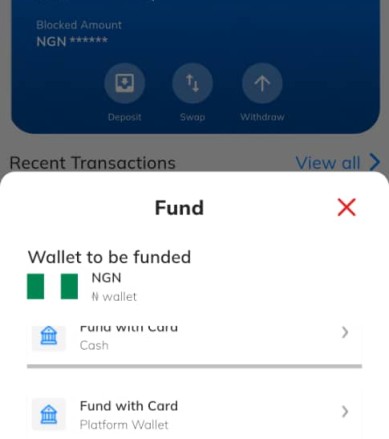
Fund your account with your local currency to engage in a swap
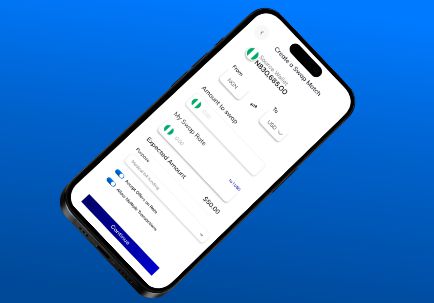
Provide the details of the destination currency you desire, including amount required and rate preference
Fill transfer form by provindg the beneficiary details and the amount to be sent
Provide the details of the destination currency you desire, including amount required and rate preference
Back your request with the required amount from your source wallet
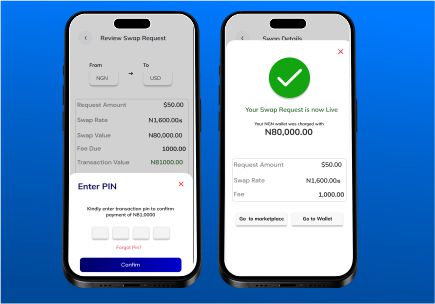
Receive an offer that your can either accept or decline

Fill transfer form by provindg the beneficiary details and the amount to be sent
Review the details carefully and confirm alignment with your beneficiary details before submitting.
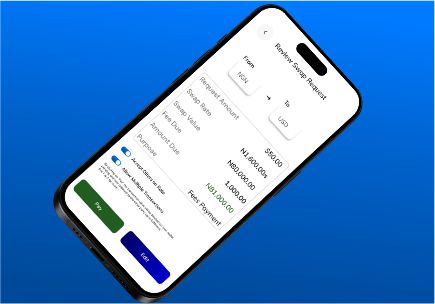
authorise the dispatch of your wallet to the specified beneficiary